AppLock Fingerprint Security

Lock Apps with 1-Tap.
Fingerprint & PIN Mode.

Keep your private apps, photos and personal information protected with App Lock - AppLock Fingerprint. Create a safer space on your phone when sharing it with friends, family or coworkers.

Secret Photo & Video Vault Intruder Snag Alerts 1-Tap Quick Lock
Touch Sensor or PIN
Protected by App Lock
1
2
3
4
5
6
7
8
9
0

100K+

Downloads

3.8★

Play Store Rating

1.11K+

Reviews

Rated 3+

Privacy Assured

Powerful AppLock Features

01

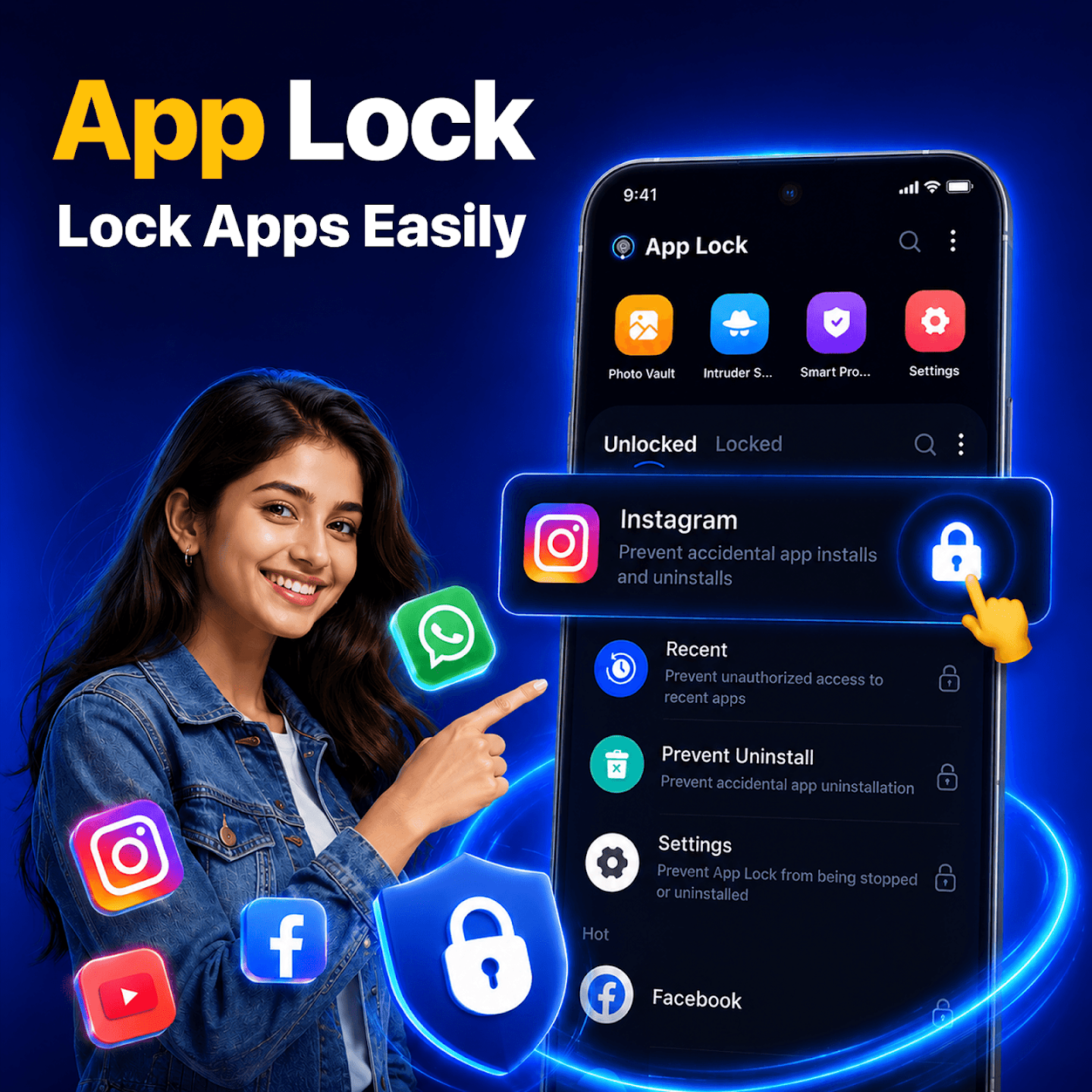
Protect Apps Your Way

Choose the apps you want to protect, enable App Lock, and open them only after the correct fingerprint, PIN, pattern or password. The app gives you flexible control without changing how you normally use your phone.

WhatsApp Instagram Facebook Gallery Settings
02

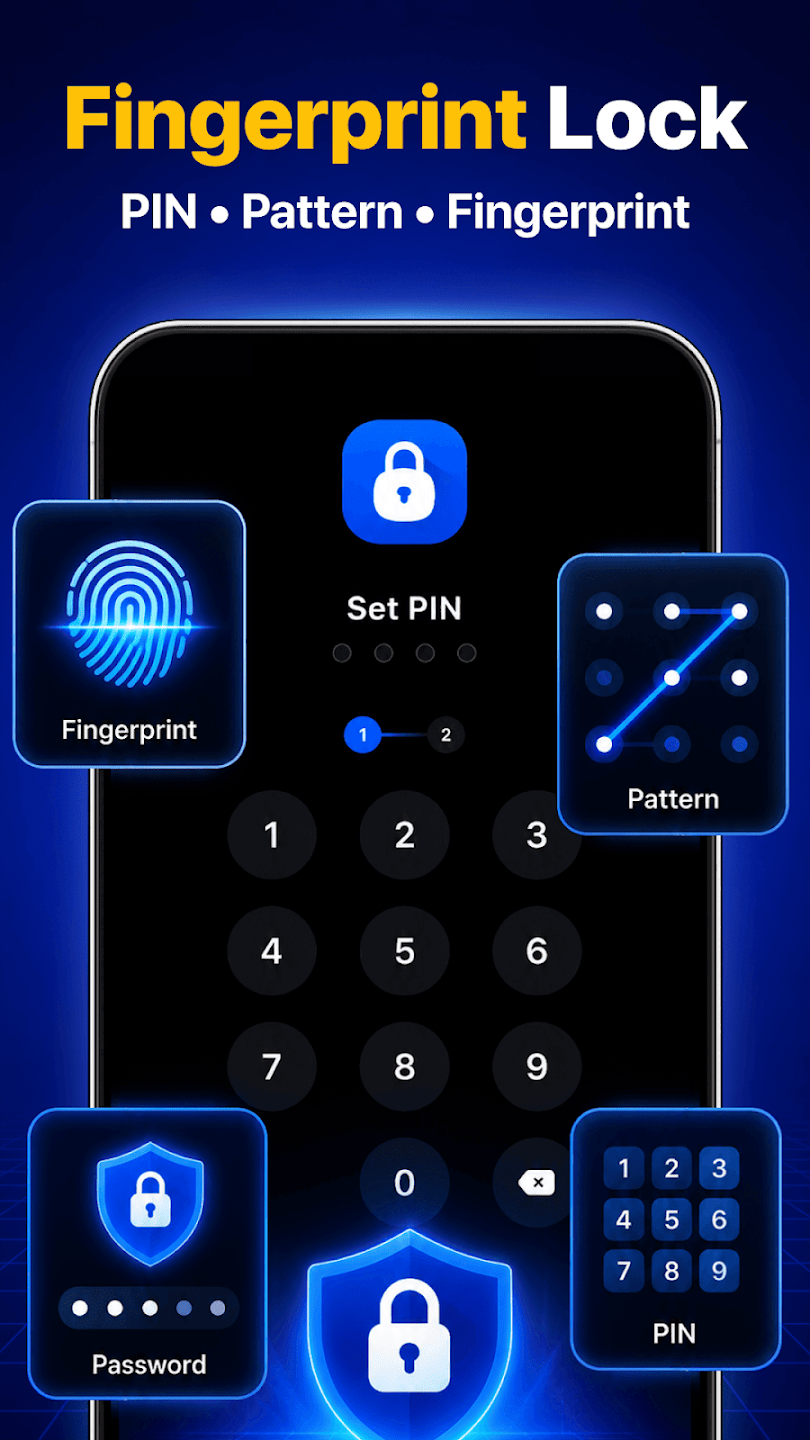
Fingerprint, PIN, Pattern or Password

Use Fingerprint Lock for convenient access on supported devices. You can also choose PIN Lock, Pattern Lock or Password Lock based on your preference for effortless security.

Biometric Scanner 4-Digit PIN Gesture Pattern Password
03

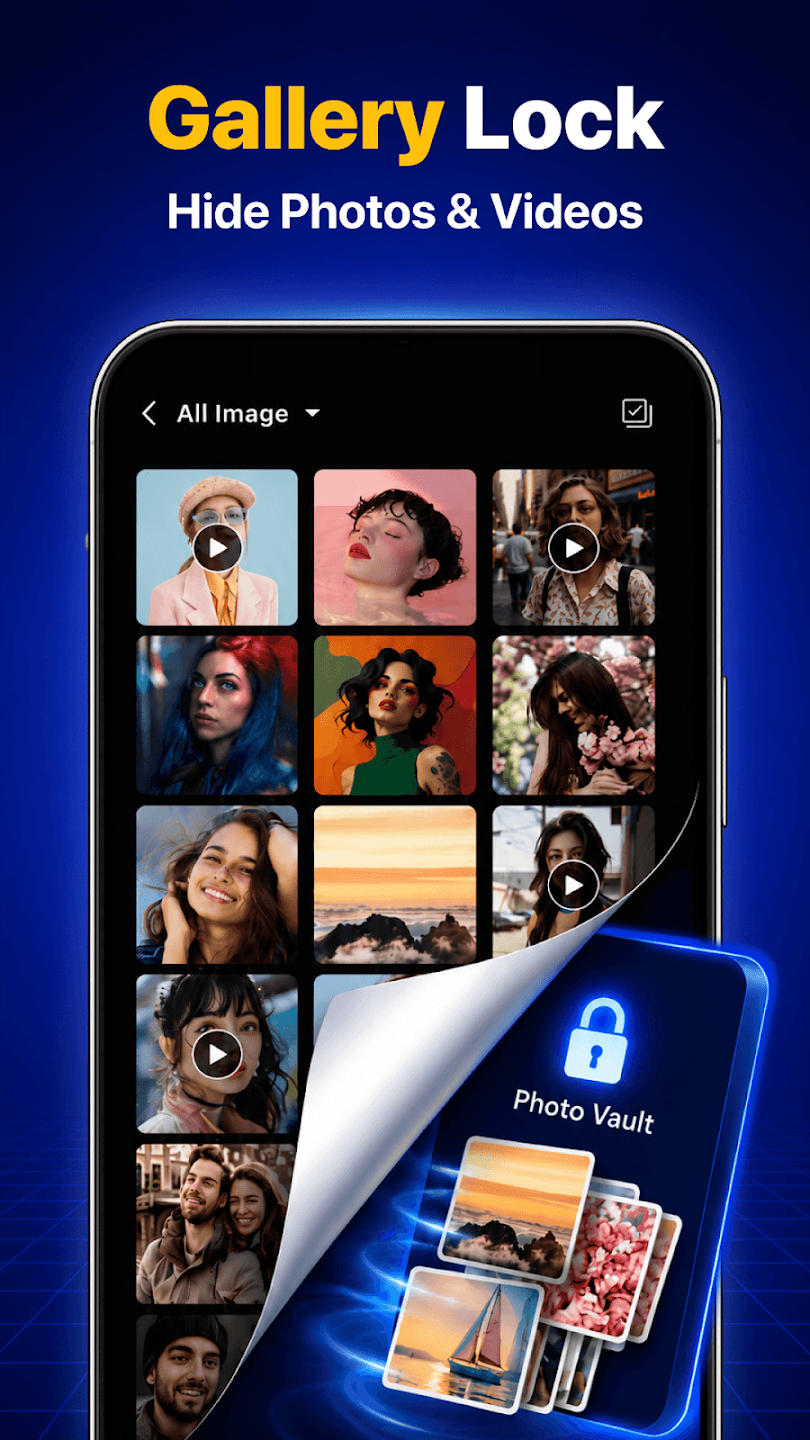
Hide Photos and Videos

Use Gallery Lock to keep personal media away from the regular gallery. Move selected photos and videos into Photo Vault and protect them with your chosen lock method. Photo Lock helps protect private pictures, while Gallery Lock keeps photos and videos together in one protected space.

Secret Photo Vault Private Videos Hidden Folder
04

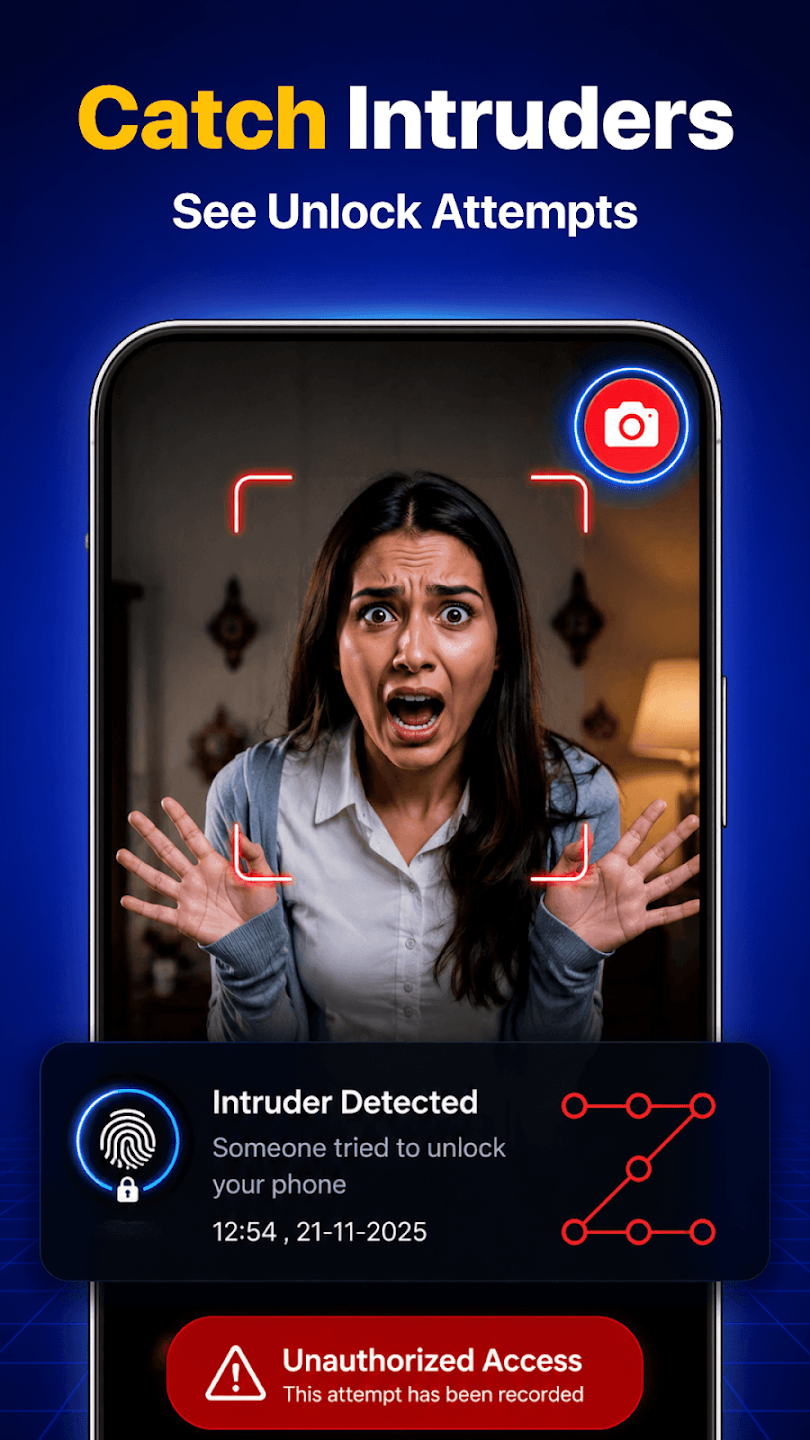
Catch Unlock Attempts (Intruder Snag Alerts)

Intruder Selfie can capture a photo after an incorrect unlock attempt, helping you see who tried to open protected apps. Review failed attempts whenever you need more awareness around your privacy.

Intruder Snapshot Time Logs Break-in Alerts

See App Lock in Action

Lock Apps Easily

1-Tap Lock / Unlock
Lock Apps Easily Screenshot
Zoom
Lock sensitive personal apps individually in a single tap.

Fingerprint Lock

PIN • Pattern • Biometrics
Fingerprint Lock Screenshot
Zoom
Fast fingerprint authentication for convenient and safe phone use.

Gallery Lock

Hide Photos & Videos
Gallery Lock Screenshot
Zoom
Keep confidential photos away from the phone's native gallery.

Catch Intruders

See Unlock Attempts
Catch Intruders Screenshot
Zoom
Take a secret photo whenever an incorrect unlock code is entered.

Protect Important Apps and Settings

Keep your private apps, photos and personal information protected with App Lock - AppLock Fingerprint. Create a safer space on your phone when sharing it with friends, family or coworkers.

Protect Apps Your Way

Choose the apps you want to protect, enable App Lock, and open them only after the correct fingerprint, PIN, pattern or password. The app gives you flexible control without changing how you normally use your phone. Protect WhatsApp, Instagram, Facebook, Gallery, Gmail, Settings and more.

Fingerprint, PIN, Pattern or Password

Use Fingerprint Lock for convenient access on supported devices. You can also choose PIN Lock, Pattern Lock or Password Lock based on your preference.

Hide Photos and Videos

Use Gallery Lock to keep personal media away from the regular gallery. Move selected photos and videos into Photo Vault and protect them with your chosen lock method. Photo Lock helps protect private pictures, while Gallery Lock keeps photos and videos together in one protected space.

Catch Unlock Attempts

Intruder Selfie can capture a photo after an incorrect unlock attempt, helping you see who tried to open protected apps. Review failed attempts whenever you need more awareness around your privacy.

Protect Important Apps and Settings

Use AppLock to protect chats, social apps, photos, email and selected system areas. Lock apps individually, protect Recent Apps and Settings, and enable Uninstall Protection where supported. App Lock lets you decide what stays open and what requires verification.

Key Features

Lock Apps with fingerprint, PIN, pattern or password

Use Fingerprint Lock on supported devices

Choose PIN Lock or Pattern Lock

Use Photo Lock to protect private pictures

Hide Photos and Hide Videos with Gallery Lock

Lock Apps with fingerprint, PIN, pattern or password

Keep personal media in Photo Vault

Capture failed attempts with Intruder Selfie

Add Privacy Protection to selected apps

AppLock is useful when you lend your phone to family or friends, work around other people, or simply want more control over personal apps. Lock apps that contain private chats, photos, accounts or settings, then unlock them using the method that works for you.


Choose App Lock - AppLock Fingerprint to protect apps, hide personal media and manage privacy from one simple place.
Contact Us

Developer Name

Opportunity Appclube

Office Location

India

Screenshot Full View